The independent guide to E Ink
Find the E Ink device that fits how you read, write and draw.
Tap a choice on the screen. It flashes black and redraws, just like a real E Ink display, then points you to the guide written for you.
Latest
E Ink Tablets What Happens to Your Notes If reMarkable, Supernote or BOOX Shuts Down? Learn E Ink Why Does an E Ink Screen Flash Black? Full Refreshes and Ghosting Explained News Can Kaleido 4 Make Color E Ink Better Without Turning Up the Light? Buying guide Best E Ink Tablets for Drawing and Sketching in 2026Buying guides
Matched to what you will actually do with the device.
20 Oct 2026
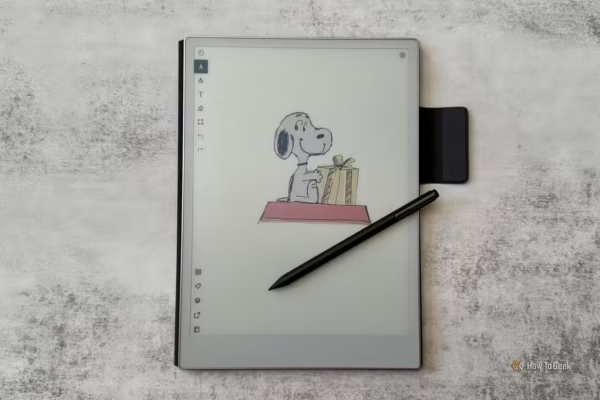
Best E Ink Tablets for Drawing and Sketching in 2026
E Ink tablets make an inviting blank canvas. There are no notifications, social feeds or glowing displays demanding attention. A…
12 Oct 2026
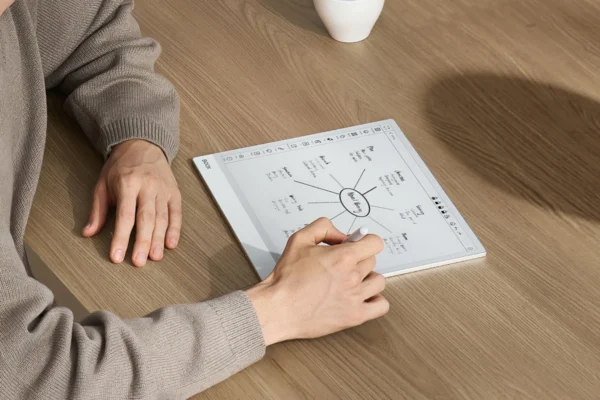
Does an E Ink Tablet Actually Improve Productivity—or Just Feel Productive?
Does an E Ink tablet make you more productive, or does it only feel that way? We look at where…
5 Oct 2026
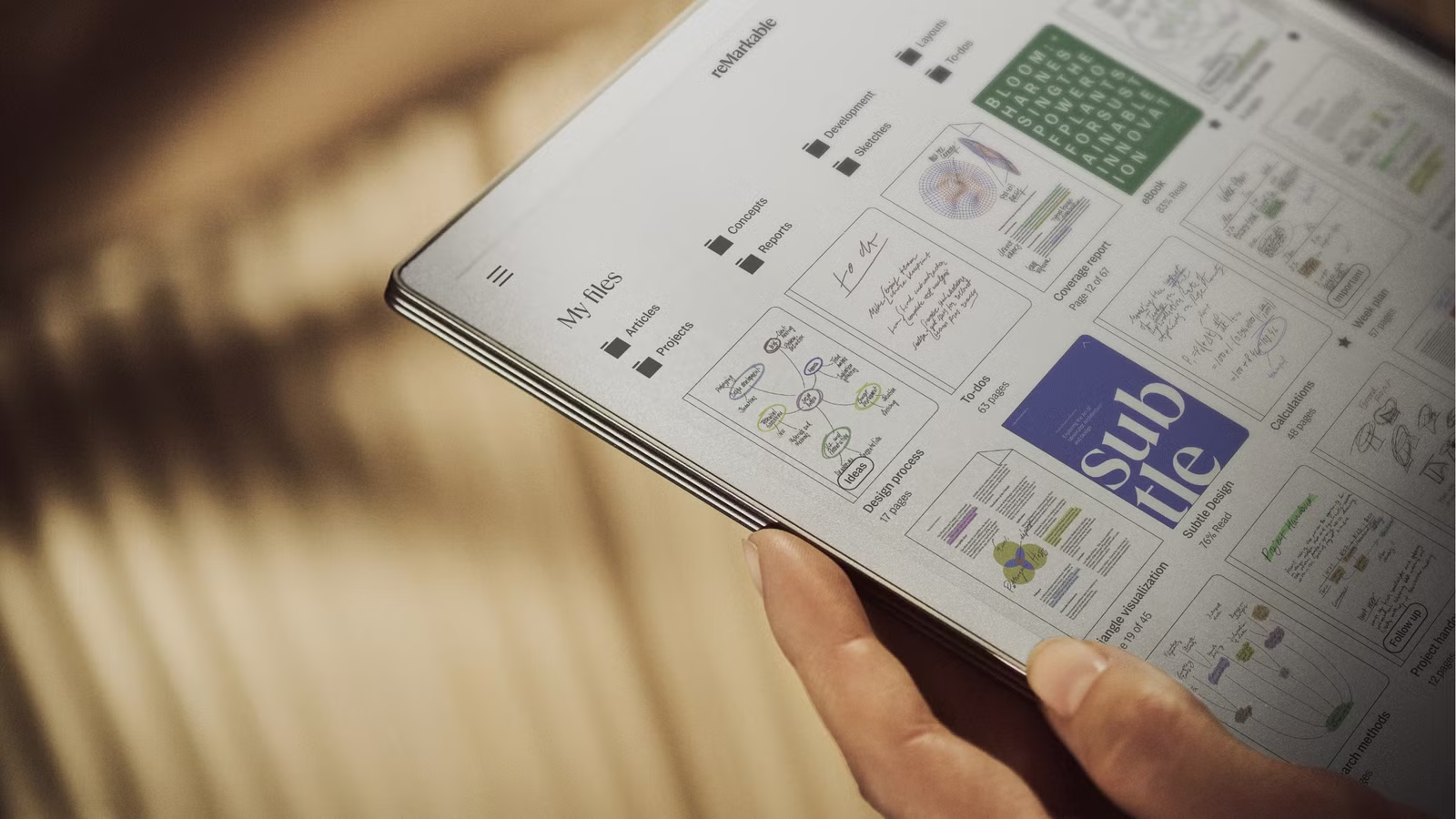
Your E Ink Tablet Stores Your Notes. Can You Actually Find Them Later?
The usual case for an E Ink tablet focuses on the moment of writing. The pen feels close to paper.…
22 Sep 2026
Don’t Buy an E Ink Tablet Until You Know These 16 Things
E Ink tablets are easy to fall in love with online. The screen looks like paper. The battery seems to…
The E Ink glossary
Every spec-sheet word, in one sentence.
Term of the week
NewBistable
B · adjective
An E Ink image stays on the screen with no power at all. The display only uses energy when the picture changes, which is why batteries last for weeks.
Browse A–Z
Recently added
Head to head
All comparisons →Learn E Ink
All explainers →Who writes this
One writer. Nearly 17 years of E Ink.
Einkopedia is written and run by Sovan Mandal, who has covered E Ink most prominently for Good e-Reader. Guides are built on manufacturer documentation, independent reviews and owner communities, and each one says whether it is based on research or hands-on use.