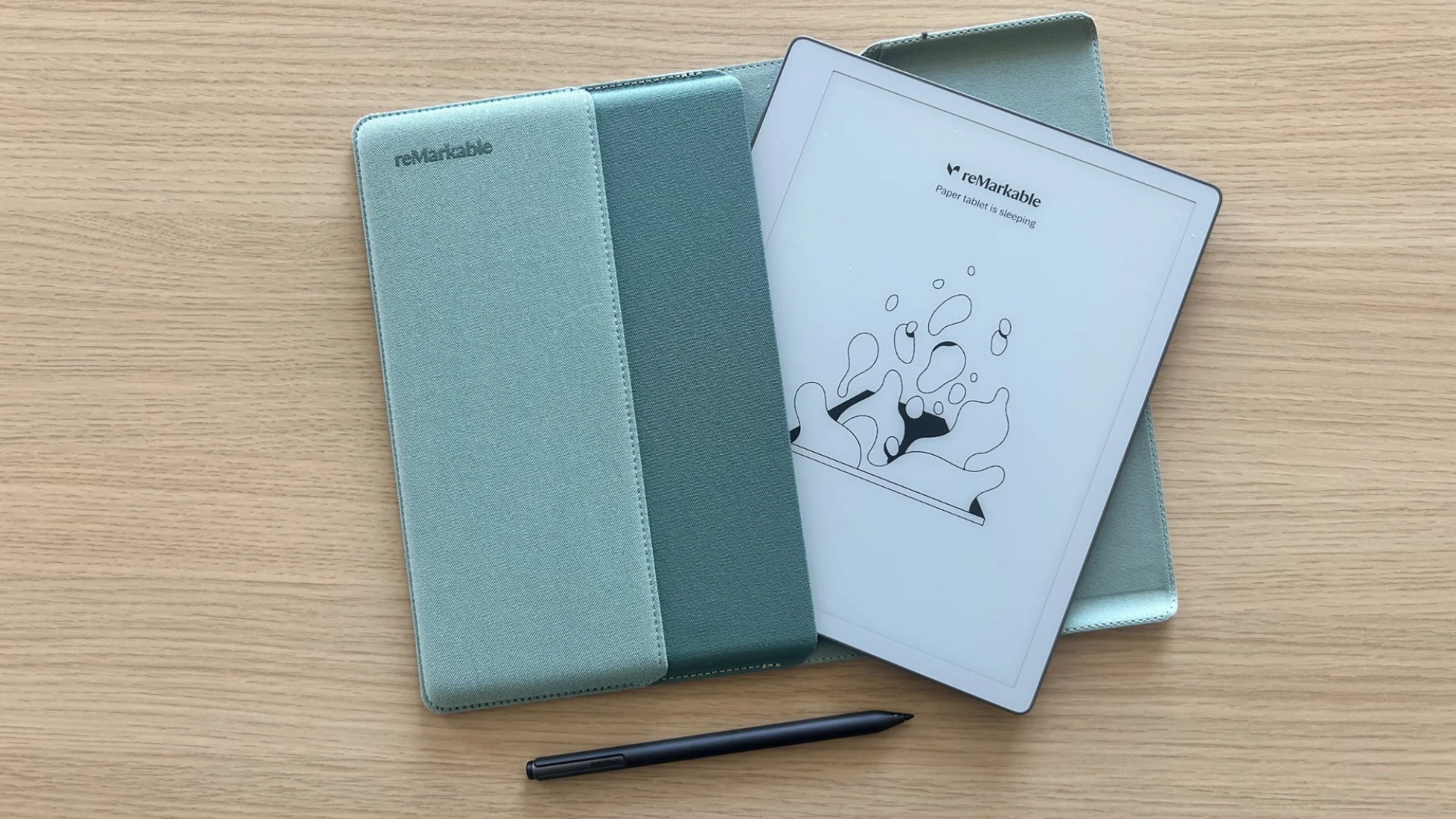
The reMarkable 2 has been one of the most successful E Ink writing tablets ever released. It launched in 2020 with a simple pitch: a distraction-free digital notebook that feels like paper. Six years later, it was still selling well enough to build a loyal following among writers, students, and professionals who wanted to take notes without opening a browser tab.
That run ended on May 6, 2026. reMarkable discontinued the reMarkable 2 and replaced it with a new entry-level device called the Paper Pure. The Paper Pure keeps the same 10.3-inch screen size and the same basic mission, but it changes the processor, the display panel, the battery, the pen system, and even the accessories.
For existing reMarkable 2 owners, that raises a practical question: is the upgrade worth it? For first-time buyers, the question is different but related: does the Paper Pure make more sense than picking up a refurbished reMarkable 2 at a lower price?
This guide – Paper Pure vs reMarkable 2 – compares both devices side by side and tries to answer the pertinent question for existing reMarkable 2 users – should they upgrade to the new Paper Pure or hold on to their reMarkable 2 units. It covers the display, the writing feel, performance, software, battery life, and accessories. It also looks at which device fits different types of readers, from students to business professionals to artists. The goal is to help readers make a decision based on how they actually plan to use the tablet, not on marketing claims.
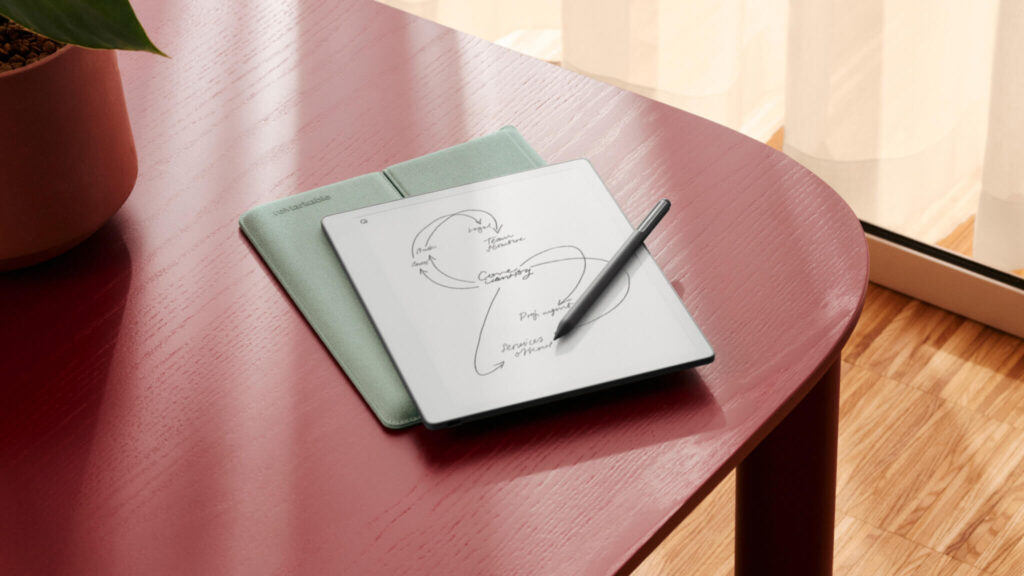
Quick Verdict
Readers who want a fast answer before diving into the details can start here.
Upgrade to the Paper Pure if:
- You want the newest hardware and the longest runway for future software support
- Faster navigation and page turns matter to your daily workflow
- You do a lot of heavy PDF work and want quicker zooming and scrolling
- You don’t already own a Type Folio keyboard you rely on
- You’re buying new anyway and want the current warranty
Check Latest Price of reMarkable Paper Pure Amazon
Stay with the reMarkable 2 if:
- You already own one and it still meets your needs
- You use a Type Folio keyboard and don’t want to lose that option
- You mainly take handwritten notes and don’t need extra speed
- You want to save money by buying a refurbished unit
- You already own compatible third-party EMR styluses
Check Latest Price of reMarkable 2 on Amazon
Quick take: The Paper Pure is a faster, cheaper-to-manufacture, more repairable version of the reMarkable 2. But it drops keyboard support entirely and requires a new, non-interchangeable pen. Neither device has a front light, so that long-standing complaint about the reMarkable lineup hasn’t gone away.
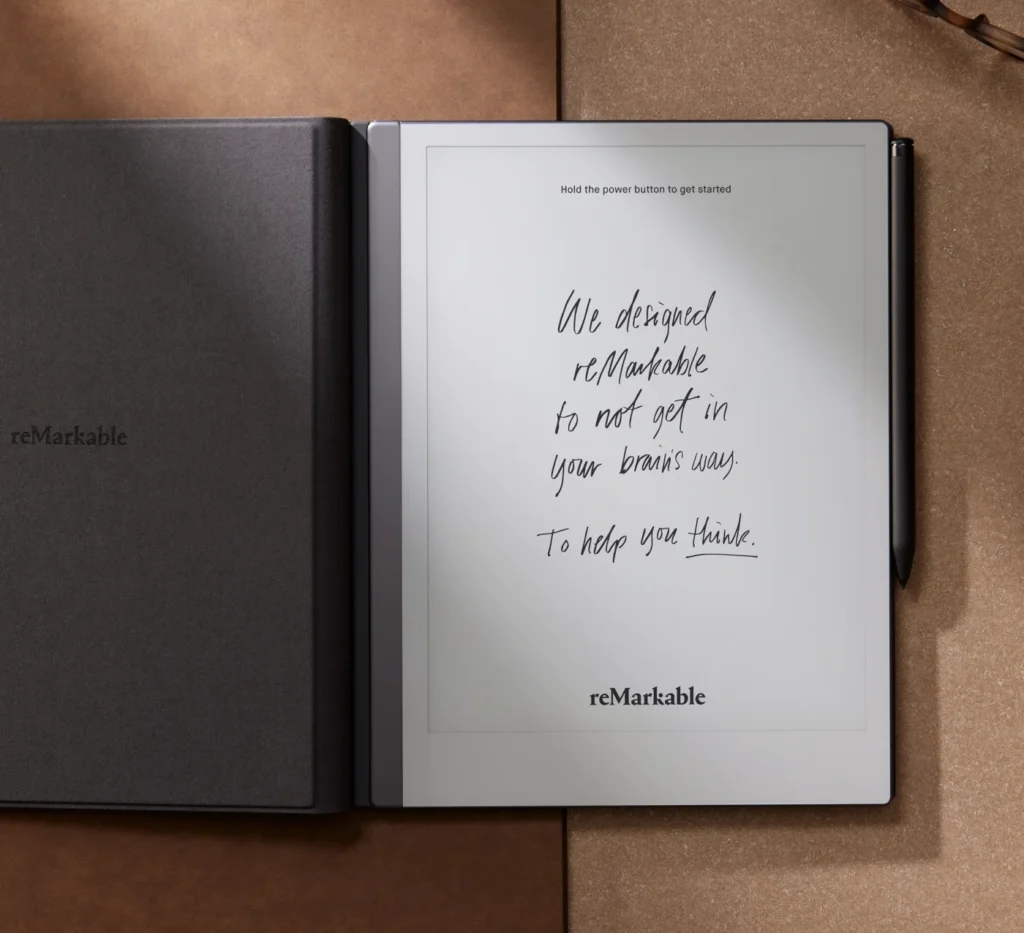
At a Glance Comparison Table
This table covers the core specs so readers can compare both devices in under two minutes.
| Category | reMarkable Paper Pure | reMarkable 2 |
|---|---|---|
| Release year | 2026 | 2020 (discontinued May 2026) |
| Starting price | $399 (with Marker) / $449 (Marker Plus + Sleeve Folio) | Launched at $299; official refurbished units now start at $439 |
| Display technology | E Ink Carta 1300 “Canvas” display | Earlier-generation E Ink Carta “Canvas” display |
| Screen size | 10.3 inches | 10.3 inches |
| Resolution | 1872 x 1404 | 1872 x 1404 |
| Pixel density | About 226 ppi | 226 ppi |
| Front light | None | None |
| Weight | 360 g (0.79 lb) | 403.5 g (0.88 lb) |
| Thickness | 6.0 mm | 4.7 mm |
| Processor | 1.7 GHz dual-core ARM Cortex-A55 | 1.2 GHz dual-core ARM Cortex-A53 |
| RAM | 2 GB | 1 GB |
| Storage | 32 GB, no expansion | 8 GB, no expansion |
| Battery | 3,820 mAh, up to 3 weeks | 3,000 mAh, up to 2 weeks |
| Charging | USB-C | USB-C |
| Stylus compatibility | New active Marker/Marker Plus, shared with the Paper Pro line; not compatible with older reMarkable pens | Passive EMR Marker/Marker Plus; works with many third-party EMR styluses |
| Keyboard compatibility | None (no pogo-pin connector) | Type Folio keyboard case |
| Connectivity | Wi-Fi (2.4 GHz / 5 GHz), USB-C | Wi-Fi (2.4 GHz / 5 GHz), USB-C |
| Operating system | Codex OS (Linux-based) | Codex OS (Linux-based) |
| Cloud syncing | Free tier, plus optional Connect subscription | Free tier, plus optional Connect subscription |
| File support | Imports PDF and DRM-free EPUB; exports PDF, PNG, SVG | Imports PDF and DRM-free EPUB; exports PDF, PNG, SVG |
| AI features | Handwriting-to-text, page summaries, Convert & Share | Same AI features, added through 2025 firmware |
| Color support | Monochrome | Monochrome |
| Waterproofing | None | None |
| Accessories | Marker, Marker Plus, Sleeve Folio (three colorways) | Marker, Marker Plus, Book Folio, Type Folio |
| Check Latest Deals | View on Store | View on Store |
Design
The reMarkable 2 built its reputation partly on how it felt in the hand. It used a machined aluminum unibody, which gave it a premium, almost slate-like quality despite being a fairly simple device. It measured a very thin 4.7 mm, one of the thinnest tablets ever made, though it weighed slightly more at 403.5 g.
The Paper Pure moves in a different direction. It leans on plastic construction rather than metal, which helps reMarkable hit a lower price and also supports the company’s sustainability goals. The Paper Pure is built using 38% recycled materials by composition, including all of the lithium and cobalt in its battery and most of the magnesium in its internal frame. It’s held together with screws and snaps instead of glue, which should make repairs easier down the line.
That combination means the Paper Pure is actually thicker (6.0 mm) than the reMarkable 2, despite being lighter overall (360 g vs. 403.5 g). Existing reMarkable 2 owners will notice the difference immediately. The Paper Pure doesn’t feel as dense or as premium in hand, but it’s lighter to carry and easier to repair if something breaks.
The Paper Pure also introduces more personalization. Buyers can choose bundles built around three colorways: Ocean Blue, Mist Green, and Desert Pink. The reMarkable 2 shipped in a single gray finish. Button placement, the charging port location, and general portability remain similar across both devices, since both are built around the same 10.3-inch footprint.
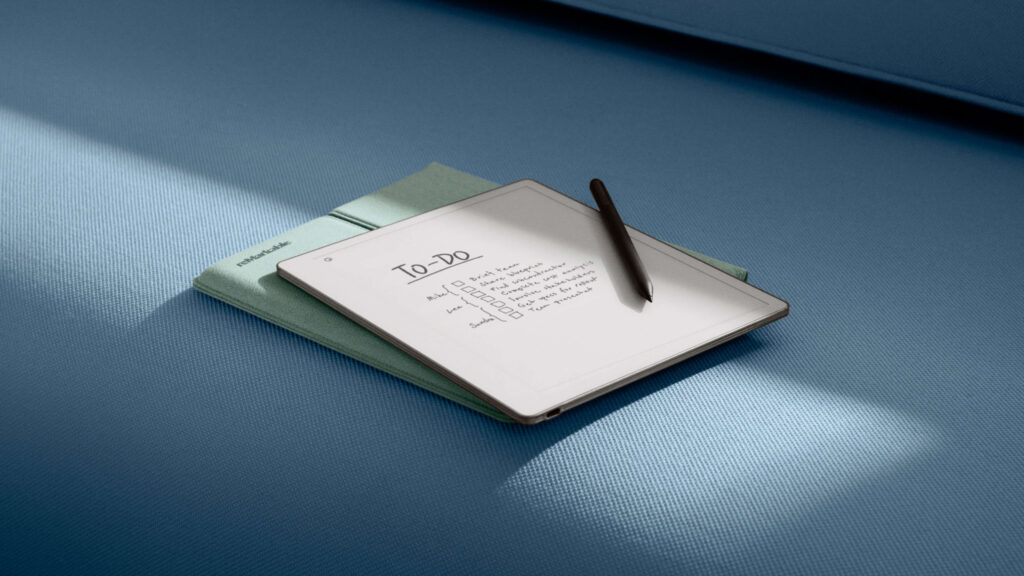
Display Comparison
Both devices use the same screen size, the same 4:3 aspect ratio, and the same 1872 x 1404 resolution. That means the pixel density is nearly identical at around 226 ppi. Existing reMarkable 2 templates, planners, and hyperlinked PDFs should carry over to the Paper Pure without needing to be redesigned.
What changed is the display generation. The Paper Pure uses a newer E Ink Carta 1300 panel, which reMarkable says delivers about 20% higher contrast and a screen that’s around 10% whiter than the reMarkable 2’s older Carta panel. In practice, that means blacks look a bit deeper and the background looks a bit closer to actual paper, rather than the slightly gray tone older E Ink panels tend to have.
Neither device includes a front light. This is worth repeating because it surprises a lot of buyers: reMarkable has confirmed the lack of a front light on the Paper Pure is an intentional design choice, meant to keep the display as close to a paper-like reading surface as possible. That means both devices are difficult to use in dim rooms, on a plane at night, or anywhere without decent ambient lighting. Anyone who reads or writes primarily after dark should treat this as a real limitation, not a minor spec gap.
Text sharpness and PDF readability are essentially unchanged between the two devices, since the underlying resolution is the same. The improvements are in contrast, whiteness, and how quickly the screen refreshes during navigation, which is covered more in the Performance section below.
Writing Experience
This is likely the deciding factor for most buyers, and it’s also where the two devices differ the most.
The reMarkable 2 uses a passive EMR (electromagnetic resonance) stylus. It never needs to be charged, and it’s compatible with a range of third-party EMR pens, which appeals to owners who don’t want to be locked into one brand’s replacement parts.
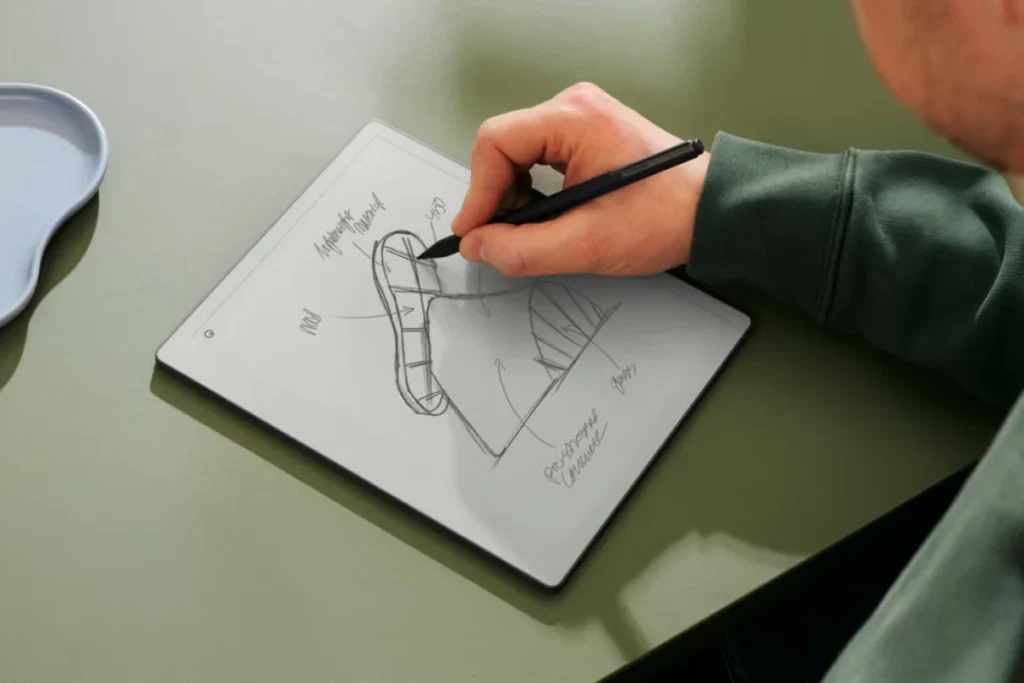
The Paper Pure switches to a new active pen system. The Marker now comes with its own battery, communicates directly with the tablet, and charges wirelessly when attached magnetically to the side of the device. This is the same pen system used on the pricier Paper Pro and Paper Pro Move models. The tradeoff is real: older reMarkable 2 pens, and most third-party EMR styluses, are not compatible with the Paper Pure. Anyone upgrading needs to buy into the new pen ecosystem.
In exchange for that lock-in, reMarkable reports meaningful gains. The Paper Pure has a writing latency of about 21 ms, roughly 10% lower than the reMarkable 2, and gesture responsiveness (things like swiping between pages) is up to 50% faster. Early reviewers have generally agreed that writing feels more immediate on the Paper Pure, with less of a delay between the pen tip moving and the ink appearing underneath it.
Pressure sensitivity, tilt support for tools like the calligraphy pen, and palm rejection all carry over from the reMarkable 2’s writing engine. The textured display surface, which creates friction similar to a pencil on paper, is present on both devices. The standard Marker included with the base Paper Pure has no eraser; the Marker Plus, available in the $449 bundle or separately, adds a built-in eraser tip.
Quick take: If writing feel is the main reason to buy a reMarkable device, the Paper Pure is a genuine step forward. But existing reMarkable 2 owners should budget for a new pen, since their old Marker won’t work on the new tablet.
Performance
The reMarkable 2 runs on a 1.2 GHz dual-core ARM Cortex-A53 processor with 1 GB of RAM. The Paper Pure features a 1.7 GHz dual-core Cortex-A55 chip with 2 GB of RAM, doubling both the memory and the processor’s clock speed while also switching to a newer core architecture.
That upgrade shows up in daily use. reMarkable’s own figures put navigation, zooming, and page-turning at up to twice as fast on the Paper Pure. Storage also grew substantially, from 8 GB on the reMarkable 2 to 32 GB on the Paper Pure. This should come as a huge advantage for people who keep large PDF libraries or scan a lot of documents onto the device.
Neither device runs a general-purpose app store, so “performance” here largely means how quickly menus respond, how fast large PDFs load, and how smoothly the device scrolls through long documents. Reviewers testing the Paper Pure have described navigating dense PDFs and switching between notebooks as noticeably snappier than on the reMarkable 2, without the brief pauses that sometimes showed up on the older hardware.
Software
Both devices run reMarkable’s Codex operating system, a custom Linux-based platform built specifically for e-paper. That means the software experience is nearly identical between the two: the same note organization tools, the same folder structure, and the same companion apps for macOS, Windows, iOS, and Android.
Handwriting recognition on both devices is powered by the MyScript engine and supports more than 60 languages, including English, Spanish, French, German, and Japanese. Recognized text can be exported or emailed directly from the device.
Cloud syncing works the same way on both tablets. There’s a free tier that includes on-device handwriting-to-text conversion and a limited amount of free cloud storage. The optional Connect subscription, priced at $3.99 per month or $39.90 per year (after a 50-day free trial), unlocks unlimited cloud storage and sync, handwriting search across notebooks, screen sharing for meetings, and integrations with tools like Google Drive, Slack, and Miro.
Software support and recent updates have also blurred the line between the two devices. AI features like handwriting-to-text conversion and one-paragraph page summaries arrived on the reMarkable 2 through a 2025 firmware update, meaning they aren’t exclusive to the Paper Pure. Pinch-to-zoom and improved PDF navigation links were also added to both the reMarkable 1 and reMarkable 2 through a firmware update, so a lot of what makes the Paper Pure’s software feel modern is actually available on older hardware too.
Where the two devices are expected to diverge over time is the length of future support. As the newer device, the Paper Pure is likely to receive new firmware features for longer than the discontinued reMarkable 2, even though reMarkable has said the reMarkable 2 will continue getting updates for now.

Reading Experience
Neither device is designed primarily as an e-reader, and that shows in how basic the reading tools are compared to something like a Kindle. Both support PDF and DRM-free EPUB files, but neither includes a built-in dictionary, and bookmarks work more like page markers than a traditional e-reader feature.
Both tablets received pinch-to-zoom and clickable PDF navigation links through a shared firmware update, which made jumping around long documents easier than it used to be. Zoom levels reset with each page turn on both devices, though a separate cropping tool retains its setting while paging forward, which is useful for PDFs with wide margins.
For EPUB books, both devices offer basic formatting controls: several font sizes, a few font choices, adjustable line spacing and margins, and a table of contents for navigation. Neither device natively supports Kindle’s AZW or MOBI formats, so anyone coming from a Kindle library needs to convert files to EPUB or PDF first, typically using a tool like Calibre.
For academic papers, technical books, or any document with heavy annotation needs, both devices handle margin notes and highlights well, thanks to the same stylus-based annotation tools. Neither device is built for casual, extended reading in the way a dedicated e-reader is, so readers whose primary use case is reading rather than writing may be better served by a Kindle or Kobo device instead.
Battery Life
The Paper Pure uses a larger 3,820 mAh battery compared to the reMarkable 2’s 3,000 mAh cell. reMarkable rates the Paper Pure for up to three weeks of battery life, based on roughly an hour of daily use, compared to about two weeks on the reMarkable 2 under similar conditions.
Both devices charge over USB-C, and neither supports fast charging in a way that stands out compared to typical tablets. Standby drain is low on both devices, since E Ink displays only use power when the screen content changes, not to maintain a static image.
Long-term battery expectations differ slightly. The Paper Pure’s battery is believed to be more accessible for replacement, based on the screws used in its construction, likely in response to newer repairability regulations in some markets. reMarkable hasn’t formally confirmed user-replaceable battery service, so this remains something to watch rather than a confirmed feature.
Accessories
Accessory compatibility is one of the biggest breaking changes between these two devices, and it’s worth understanding before buying either one.
Paper Pure accessories:
- Marker (standard, no eraser) — included with the $399 base configuration
- Marker Plus (built-in eraser) — included in the $449 bundle, or purchased separately for $79
- Sleeve Folio — a wraparound case available in three colors, $69 separately or included in the $449 bundle
- Replacement Marker tips — sold in packs
reMarkable 2 accessories:
- Marker and Marker Plus (passive EMR pens)
- Book Folio — a simple protective cover
- Type Folio — a dedicated keyboard case that added physical typing support to the reMarkable 2
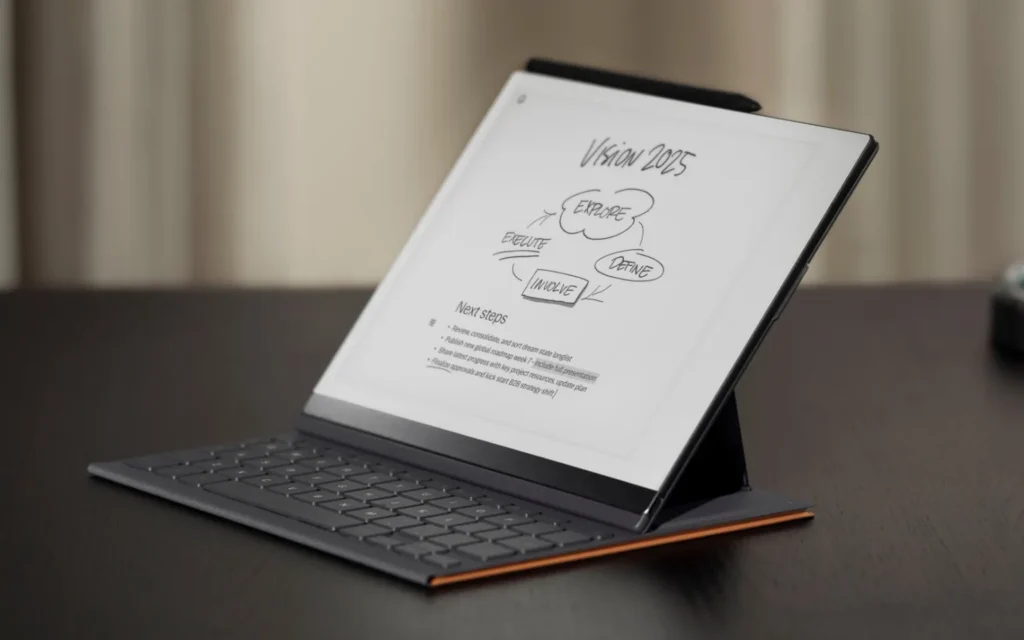
The reMarkable 2’s Folios, including the Type Folio keyboard, are not compatible with the Paper Pure. The Paper Pure has a different design and only works with its own Sleeve Folio. More significantly, the Paper Pure has no pogo-pin connector at all, which means there is no keyboard accessory for it in any form. Anyone who relies on the Type Folio for typing notes should think carefully before switching, since that functionality simply isn’t available on the newer device.
On the pen side, the reMarkable 2’s passive EMR system meant third-party styluses often worked as replacements. The Paper Pure’s new active pen system removes that flexibility. Existing reMarkable 2 owners will need to buy a new Marker or Marker Plus regardless of how many spare pens they already own.
AI and Smart Features
reMarkable has added a handful of AI-assisted tools to its software over the past year, and they apply across the lineup rather than being locked to the Paper Pure specifically.
- Handwriting-to-text conversion: Powered by MyScript, this converts a handwritten page into typed text that can be exported or emailed. It runs on-device and doesn’t require a Connect subscription.
- Page summaries: A one-paragraph AI summary of a notebook page, aimed at quickly reviewing longer notes.
- Convert & Share: With a Connect subscription, this can extract action items from handwritten notes and send them to connected apps like Slack or Miro.
None of these features require heavy hardware, so they run about the same on both the Paper Pure and the reMarkable 2. The main difference is availability: the Paper Pure ships with these tools out of the box, while reMarkable 2 owners needed a 2025 firmware update to get them.
Privacy-conscious buyers should know that AI conversion and summarization typically process handwriting through reMarkable’s cloud services rather than entirely on-device, which is standard for this kind of feature but worth knowing if privacy is a priority. Both devices also support full-disk encryption and secure boot, which matter more for professionals handling sensitive documents.
Real-World Usage
Students
Pros: Lightweight, distraction-free note-taking, handwriting-to-text conversion for turning lecture notes into typed study guides, long battery life for all-day use on campus.
Cons: No keyboard option on the Paper Pure rules out typed notes during lectures; no color makes diagrams and charts harder to distinguish; no dictionary for reading assigned texts.
Writers
Pros: Distraction-free writing surface with no notifications or browser tabs; paper-like texture on both devices supports long handwriting sessions; folders and tags help organize drafts.
Cons: No app ecosystem for drafting directly in a word processor; the Paper Pure drops keyboard support entirely, which will matter to writers who type more than they handwrite.
Journal Users
Pros: Both devices are well-suited to daily journaling, with a natural pen feel and enough battery life to avoid frequent charging; templates and hyperlinked PDFs work across both models.
Cons: No front light on either device means journaling before bed in a dark room requires a separate light source.
Business Professionals
Pros: Full-disk encryption and secure boot support enterprise use; calendar-linked meeting notes and screen sharing (with Connect) are useful in meetings; faster navigation on the Paper Pure helps when flipping through documents live.
Cons: Losing Type Folio support on the Paper Pure is a real drawback for professionals who type meeting notes; no native app support limits use as a full productivity device.
Researchers
Pros: Strong PDF annotation tools on both devices; larger 32 GB storage on the Paper Pure holds more papers and reference material; handwriting-to-text conversion helps digitize marginal notes.
Cons: No dictionary and limited navigation tools (no back button, no annotations list) make both devices less convenient than dedicated research software for citation-heavy work.
Artists
Pros: Pressure sensitivity and tilt support are present on both devices; the new Marker’s improved responsiveness on the Paper Pure benefits sketching and shading.
Cons: Monochrome-only displays on both devices rule out color work; neither device is designed as a dedicated drawing tablet in the way some Android-based E Ink devices are.
Everyday Note Taking
Pros: Both devices are simple, focused tools for quick notes, to-do lists, and sketches, with long battery life and minimal setup.
Cons: The reMarkable 2 is heavier and slower to navigate; the Paper Pure requires a new pen purchase for anyone upgrading from an older device.
What Has Actually Improved?
Some of the Paper Pure’s changes are substantial. Others are smaller refinements that existing reMarkable 2 owners may not notice much in daily use.
Substantial improvements:
- Faster processor and doubled RAM, resulting in up to twice the navigation and page-turning speed
- Quadrupled internal storage (8 GB to 32 GB)
- Longer battery life (up to three weeks vs. two weeks)
- Higher contrast and whiter display via the newer Carta 1300 panel
- Lower writing latency and faster gesture response
- More recycled materials and a lower carbon footprint
- Lighter overall weight
- Screws-and-snaps construction that should make repairs easier
Minor refinements:
- Three colorway options for the bundle vs. the reMarkable 2’s single finish
- A slightly redesigned Marker Plus grip texture
What Hasn’t Changed?
This section matters most for existing reMarkable 2 owners trying to decide if the upgrade is worth it.
- Screen size, resolution, and pixel density are identical, so text sharpness and template compatibility carry over
- Neither device has a front light, so low-light usage remains a limitation
- Neither device supports color
- The core software experience, including note organization, is largely the same
- AI handwriting-to-text and summarization features are now available on both devices, not just the Paper Pure
- Neither device functions as a full e-reader with dictionary support or advanced navigation
- Neither device is waterproof
Pros and Cons
Paper Pure
Pros:
- Noticeably faster navigation and page turns
- Better display contrast and whiteness
- Longer battery life
- More storage
- Lower price than the reMarkable 2’s official refurbished price
- More repairable construction
Cons:
- No keyboard accessory available at all
- Requires a new, non-interchangeable pen
- Thicker and less premium-feeling than the reMarkable 2’s aluminum body
- Still no front light
reMarkable 2
Pros:
- Premium aluminum build and thinner profile
- Type Folio keyboard support
- Works with many third-party EMR styluses
- Proven six-year track record
Cons:
- Discontinued, so new units are no longer available
- Slower processor and less storage
- Shorter battery life
- Official refurbished pricing is higher than a new Paper Pure
Who Should Buy the Paper Pure?
- First-time buyers who want current hardware and the longest runway of future software support
- Professionals who don’t rely on the Type Folio keyboard and want faster document navigation
- Heavy writers who prioritize a more responsive pen over pen-brand flexibility
- Frequent travelers who want the lightest possible device and the longest battery life
- People who use PDFs extensively and want the extra storage and faster performance
Check Latest Deals on the reMarkable Paper Pure
Who Should Keep the reMarkable 2?
- Owners who already own one and it still meets their needs
- Anyone who relies on the Type Folio keyboard, since there’s no equivalent for the Paper Pure
- Users who mainly take handwritten notes and don’t need extra speed
- Buyers who want to save money through the refurbished or secondhand market
- Owners with a collection of third-party EMR styluses they don’t want to replace
Check Latest Deals on the reMarkable 2
Frequently Asked Questions
Is the Paper Pure faster than the reMarkable 2? Yes. reMarkable reports up to twice the speed for navigation, zooming, and page turns, thanks to a faster processor and doubled RAM.
Is the writing experience noticeably better? Early reviews generally agree writing feels more immediate on the Paper Pure, with about 10% lower latency and faster gesture response. The improvement is real but not dramatic.
Can reMarkable 2 accessories be used with the Paper Pure? No. The Type Folio, Book Folio, and older Markers are not compatible with the Paper Pure, which uses a new pen system and a different case design.
Is the upgrade worth the cost? It depends on whether the speed, display, and battery improvements matter more to a given reader than losing keyboard support and needing a new pen.
Which is better for students? The Paper Pure suits students who mainly handwrite notes and want faster performance. Students who type notes during lectures may miss the reMarkable 2’s Type Folio option.
Which has the better battery? The Paper Pure, rated for up to three weeks versus about two weeks on the reMarkable 2.
Which is better for reading PDFs? Both handle PDF annotation similarly, but the Paper Pure’s faster navigation and higher contrast display make longer PDF sessions somewhat more comfortable.
Which offers better value? The Paper Pure is cheaper than an official refurbished reMarkable 2 and comes with newer hardware, making it the stronger value for most new buyers.
Does the Paper Pure replace the reMarkable 2? Yes. reMarkable has officially discontinued the reMarkable 2 and positions the Paper Pure as its direct successor.
Which device will receive software updates longer? The Paper Pure, as the newer device, though reMarkable has said the reMarkable 2 will keep receiving updates for the time being.
Is the Paper Pure suitable for professional use? Yes, particularly for full-disk encryption and secure boot support. Professionals who need a keyboard accessory should note that option no longer exists on this device.
Can both devices convert handwriting to text? Yes. Both use the same MyScript-powered conversion tool, which shipped to the reMarkable 2 through a 2025 firmware update.
Is either device better for long writing sessions? Both offer a similar paper-like textured surface, but the Paper Pure’s lighter weight and lower latency make marathon writing sessions slightly more comfortable.
Which is the better choice for first-time E Ink buyers? The Paper Pure, mainly because it’s the current model with active support, a lower entry price than an official refurbished reMarkable 2, and the longer expected software runway.
Final Verdict
There’s no single winner here — the right choice depends on what a reader values most.
- Best overall: The Paper Pure, since its speed, display, and battery improvements outweigh its downsides for most buyers.
- Best value: The Paper Pure, since it now undercuts the reMarkable 2’s official refurbished price while offering newer hardware.
- Best for existing owners: Upgrade only if the pen change and lost keyboard support don’t outweigh the performance gains for your workflow.
- Best for first-time buyers: The Paper Pure, unless a keyboard accessory or third-party stylus compatibility is a hard requirement, in which case the reMarkable 2 (or even a refurbished reMarkable 2) remains a capable option.
The Paper Pure isn’t a dramatic reinvention of the reMarkable formula. It’s a faster, more efficient, and more repairable version of a device that already had a clear identity. Readers who upgrade or buy in for the first time should base that decision on their own workflow, not just the spec sheet, since the biggest changes here are as much about what’s been removed (a keyboard option, pen flexibility) as what’s been added.