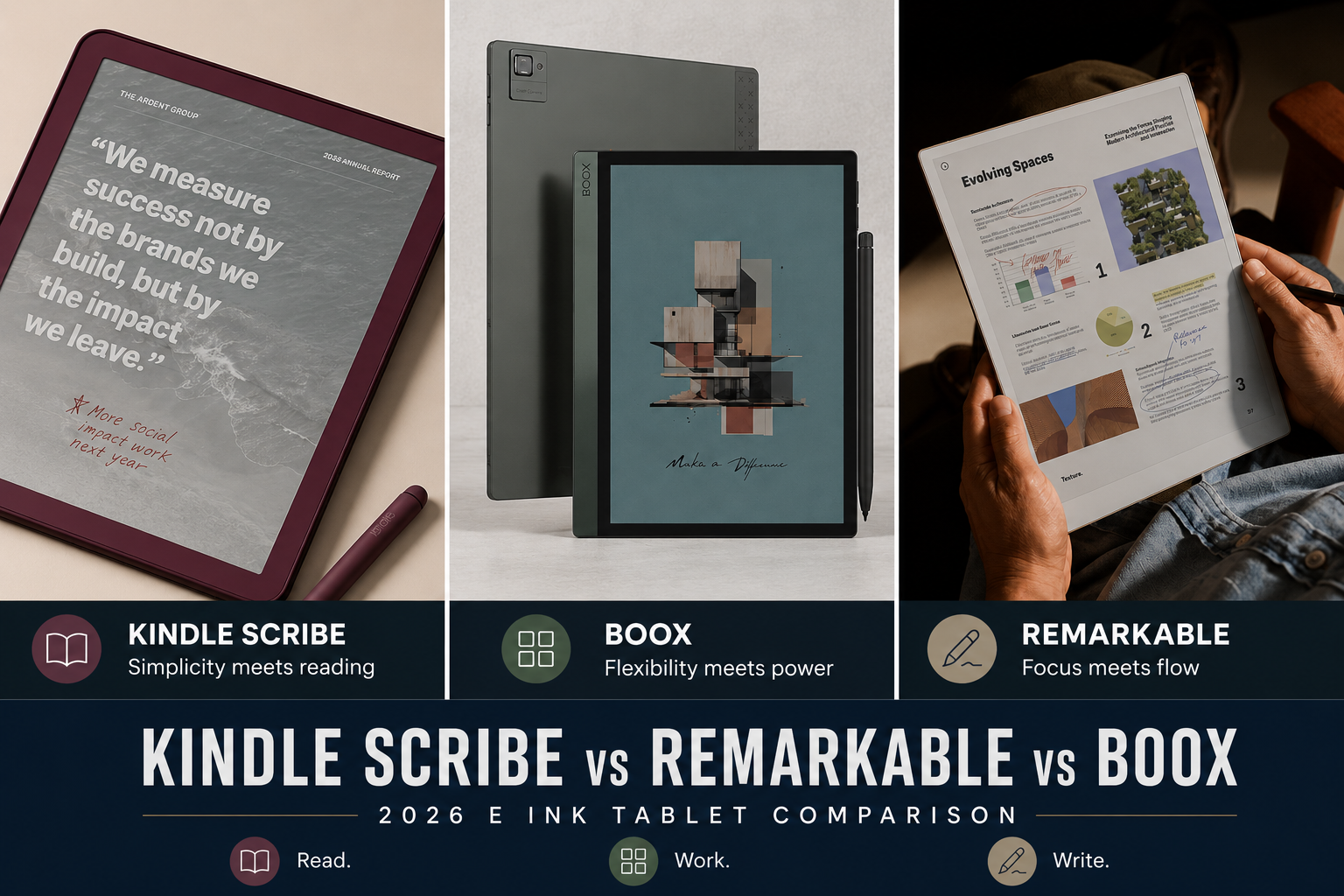
In 2026, choosing an E Ink tablet isn’t about specs—it’s about philosophy. Kindle Scribe, reMarkable, and Boox may look similar on paper, but each one rewrites the rules of how you read, write, and work. The real question isn’t which device is ‘best,’ but which workflow feels like home.
Disclosure: This article contains affiliate links. If you buy through these links, I may earn a small commission at no extra cost to you. This helps support Einkopedia and allows us to continue publishing honest, in-depth reviews and guides. Here is how it works
Choosing an E Ink tablet in 2026 is no longer as simple as picking the device with the best specifications. A few years ago, most E Ink devices were primarily e-readers with limited note-taking capabilities. Today, they have evolved into serious productivity tools used by students, researchers, writers, lawyers, engineers, and business professionals.
Yet despite all the innovation, most buying mistakes still happen for one reason:
People compare hardware when they should be comparing workflows. That is especially true when choosing between Kindle Scribe, reMarkable, and Boox.
These three platforms dominate the E Ink tablet market, but they are built around completely different philosophies.
- Kindle Scribe prioritizes simplicity and integration with Amazon’s reading ecosystem.
- reMarkable prioritizes focus, handwriting, and distraction-free work.
- Boox prioritizes flexibility, Android apps, and advanced productivity workflows.
None of them is objectively the best.
But one of them is probably the best for you.
This guide – Kindle Scribe vs reMarkable vs Boox – examines the differences that actually matter in daily use, including reading, note-taking, PDF workflows, software quality, long-term ownership, and overall value.
Quick Verdict
| Category | Winner |
| Best for simplicity | Kindle Scribe |
| Best writing experience | reMarkable |
| Best for productivity | Boox |
| Best for PDFs | Boox |
| Best battery life | Kindle Scribe |
| Best distraction-free experience | reMarkable |
| Best Android flexibility | Boox |
| Best for casual users | Kindle Scribe |
| Best for researchers | Boox |
| Best notebook replacement | reMarkable |
Understanding the Fundamental Difference
Before comparing features, it helps to understand what each company is trying to achieve. This turns out to be far more important than processor speed, RAM, or storage.
Kindle Scribe: The Reader First Approach
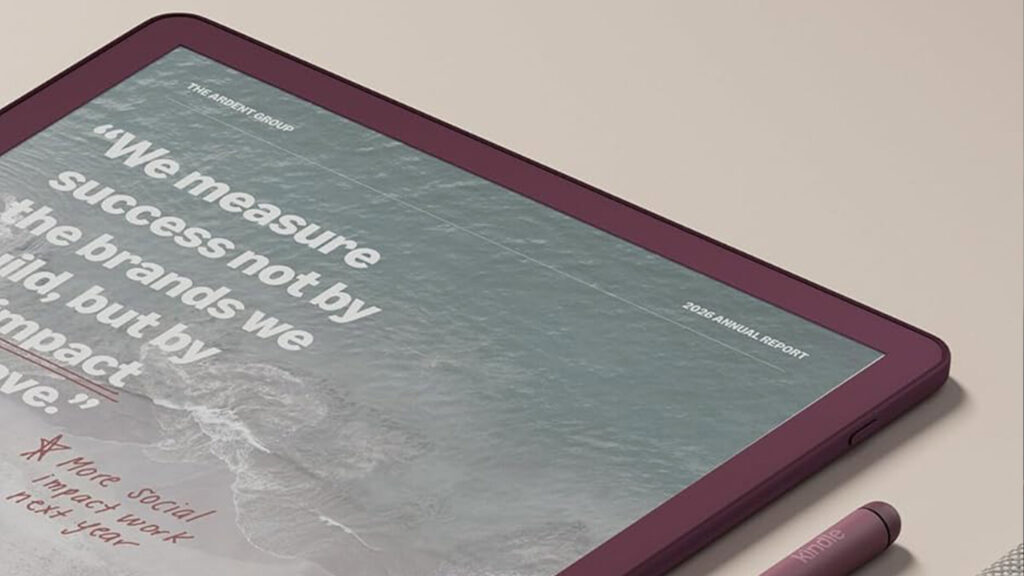
The Kindle Scribe is fundamentally a Kindle with a large screen and notebook capabilities. Amazon’s goal is not to create a productivity powerhouse. Its goal is to create a reading experience that requires almost no learning curve. The result is a device that feels predictable, polished, and approachable. Most users can pick it up and start reading or writing within minutes. For many people, that simplicity is a feature rather than a limitation and is more important than anything else.
Check Latest Price of Kindle Scribe on Amazon
reMarkable: The Digital Paper Approach
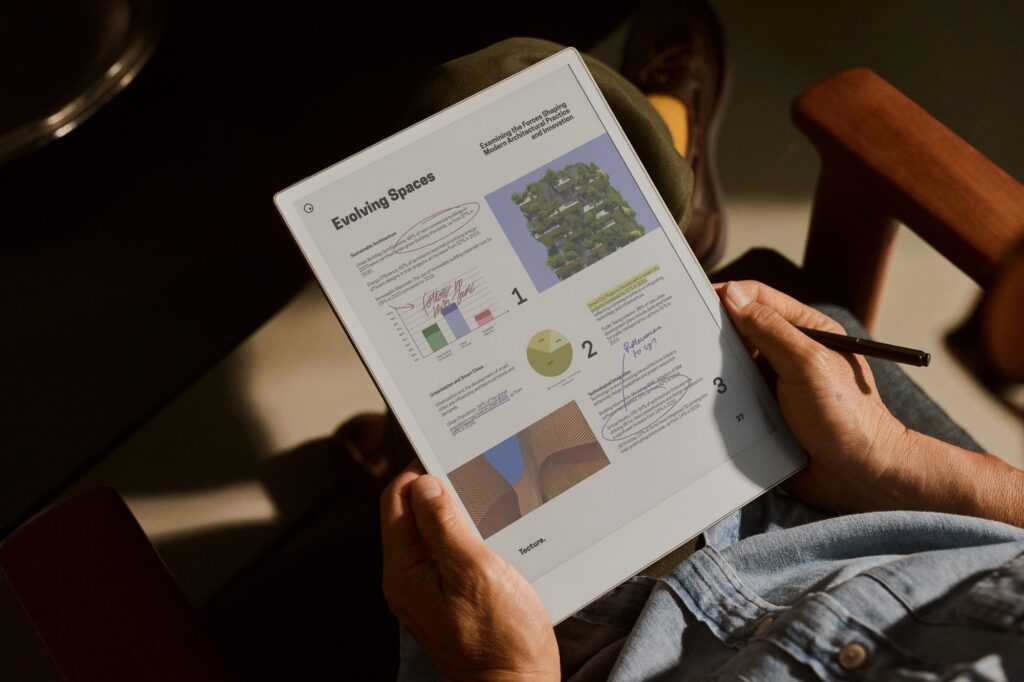
reMarkable takes a very different path. The company is not trying to build a tablet. It is trying to create a digital alternative to paper. Every design decision reflects that philosophy. The interface remains intentionally minimalist. The software avoids unnecessary complexity. The focus is always on reading, writing, thinking, and organizing ideas. For people who spend hours taking handwritten notes, this approach can feel surprisingly liberating.
Check Latest Price of reMarkable E Ink Tablets on Amazon
Boox: The Productivity Machine Approach
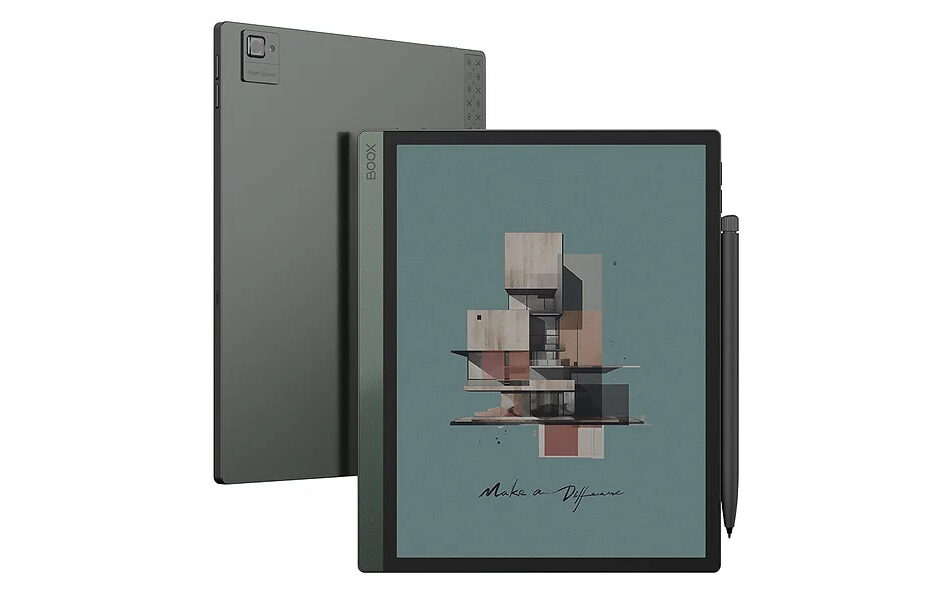
Boox sits at the opposite end of the spectrum. Rather than limiting functionality, Boox embraces it. It set out to create a full-fledged tablet device running Android and featuring an E Ink display. Most modern Boox devices run Android and support wide-ranging apps such as:
- Kindle
- Kobo
- Google Drive
- Dropbox
- OneDrive
- Microsoft OneNote
- Web browsers
- Third-party PDF software
- Productivity applications
In many ways, Boox devices behave more like general-purpose computing devices with an E Ink display than E Ink notebooks. While that flexibility is incredibly powerful, it can also be overwhelming for many.
Check Latest Price of Boox E Ink Tablets on Amazon
The Single Most Important Question
Before looking at any specifications, ask yourself: Do you value simplicity or flexibility more?
That answer alone will eliminate many buying mistakes.
Choose Kindle Scribe if:
You want technology that isn’t obtrusive but stays out of the way. You value reliability over customization. You would rather spend time reading than configuring settings.
Choose reMarkable if:
You want focus above everything else. You enjoy handwriting and often think better with a pen in your hand. You want an experience that feels closer to paper than software.
Choose Boox if:
You regularly switch between multiple apps. You manage large document libraries and need advanced PDF workflows. You enjoy customizing your tools and want a single device to handle many tasks.
PDF Reading and Annotation
For many buyers, ease in reading and annotating PDF files determines the entire purchasing decision. And this is where the differences become most obvious.
Boox: The Best Choice for Serious PDF Work
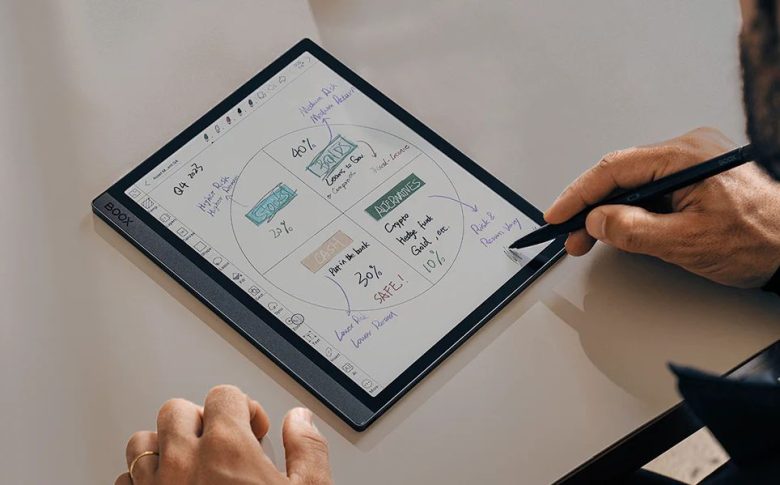
If your daily life revolves around PDFs, Boox is currently the strongest platform overall.
This becomes especially obvious when working with:
- academic research papers
- engineering documents
- legal contracts
- technical manuals
- scientific journals
- large textbook collections
Features such as:
- margin cropping
- split-screen reading
- advanced annotation tools
- multitasking
- cloud integration
make a meaningful difference during long study or research sessions.
A common academic workflow might involve:
- reading a journal article on one side,
- taking handwritten notes on the other,
- saving everything directly to cloud storage.
Neither Kindle Scribe nor reMarkable offers this level of flexibility.
Boox Model Differences Matter
One common mistake is treating “Boox” as a single device. It is not. Different Boox models serve different audiences.
Boox Go 10.3
Best for users who want a cleaner, lighter note-taking experience.
Note Air Series
The most balanced option for most buyers. Excellent combination of reading, writing, and productivity.
Tab Ultra Series
Designed for users who prioritize speed, multitasking, and Android functionality.
Note Max and Other 13.3-Inch Devices
Ideal for researchers who frequently work with full-page academic PDFs. Reading A4-sized documents on a 13.3-inch E Ink display feels dramatically different from reading them on smaller screens.
reMarkable: The Most Natural Annotation Experience
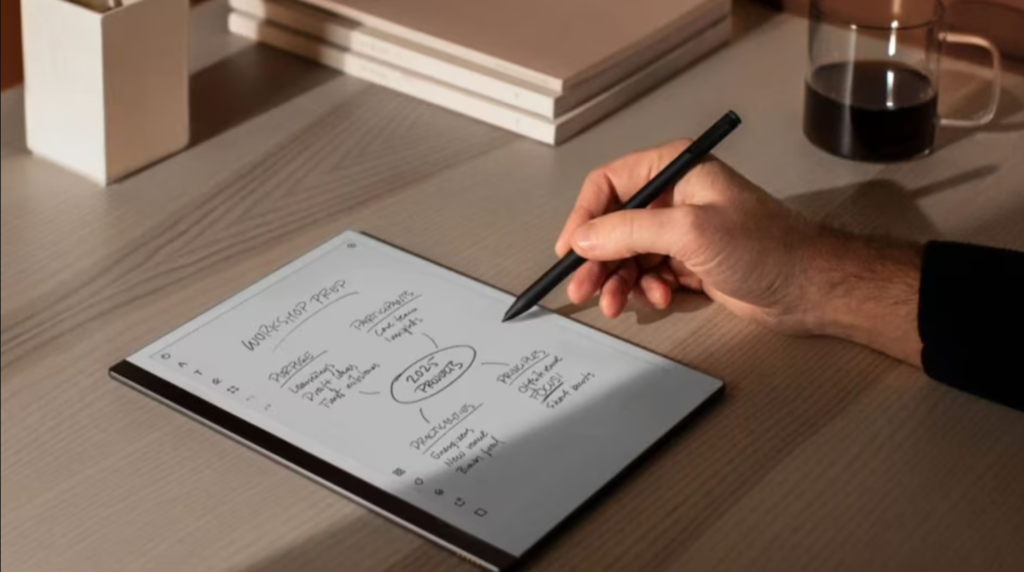
Where Boox focuses on capability, reMarkable focuses on feel. Annotating a document on a reMarkable often feels remarkably close to marking up printed paper. The experience is clean, with the interface rarely getting in the way. With minimal distractions, the device encourages full concentration.
This makes the reMarkable ideal for a host of tasks such as reviewing papers, manuscripts, contracts, and study materials. It remains one of the most satisfying E Ink experiences currently available.
The limitation appears when your workflow becomes more complex. Once you begin juggling multiple apps, cloud services, or advanced document management needs, reMarkable starts feeling restrictive.
Kindle Scribe: Comfortable and Straightforward
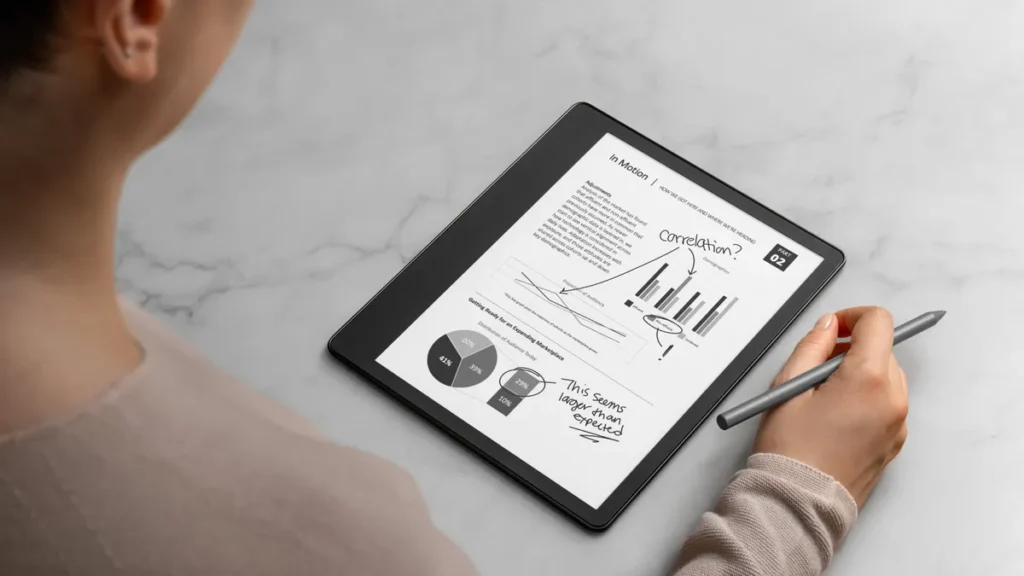
The Kindle Scribe handles PDFs well enough for most casual users. Reading is comfortable while annotations are easy. The interface is polished. The battery life is among the best in the segment.
However, power users will quickly notice the limitations. If PDFs are central to your work rather than occasional reading material, the Scribe is often the first device people outgrow.
Writing Experience Comparison
For many buyers, writing feel matters more than specifications. And this remains reMarkable’s greatest strength.
reMarkable: Still the Closest Thing to Paper
There is a reason so many writers and academics become loyal reMarkable users. The combination of screen texture, pen friction, latency, and software tuning creates an experience that feels surprisingly natural. Long writing sessions remain comfortable, with the device almost disappearing from your awareness.
Kindle Scribe: Smooth and Comfortable
The Kindle Scribe offers a pleasant writing experience, but it feels smoother and slightly more glass-like. While some users may actually prefer this, many miss the tactile resistance that reMarkable provides. The experience in itself remains very good, though it simply feels more digital.
Boox: Capable but Less Consistent
Writing performance on Boox varies more than on competing platforms.
The experience can change depending on:
- device model
- screen protector
- refresh settings
- software configuration
Modern Boox devices have improved significantly, but they still feel more technical than reMarkable. The upside is flexibility. Boox supports advanced note-taking features that power users often appreciate.
Which Device Frustrates Users the Most?
No device is ever completely flawless. Which device fits you best has a lot to do with how you are able to cope with its shortcomings. This often determines long-term satisfaction.
Kindle Scribe Frustrations
Users typically become frustrated when they want more flexibility.
Common complaints include:
- limited PDF tools
- restricted file management
- fewer note organization options
- dependence on Amazon’s ecosystem
reMarkable Frustrations
Users rarely complain about the writing experience. Instead, frustration usually comes from its limitations. Common complaints include:
- lack of apps
- fewer integrations
- restricted workflows
- ecosystem constraints
People often love reMarkable until they need it to do something it was never designed to do.
Boox Frustrations
Boox creates the opposite problem. The platform can do almost everything. Sometimes that becomes the issue.
Common complaints include:
- overwhelming settings
- inconsistent interfaces
- Android app optimization problems
- occasional firmware bugs
Many users love Boox once they learn it. Some never fully adapt to it.
The Hidden Truth About Productivity
One lesson repeatedly appears among long-term E Ink users – having more features does not always mean more or better productivity. Boox often wins on capability while reMarkable is known for the distraction-free experience it provides. It is important to understand that these are not the same thing.
Many people buy Boox because of the myriad different features it offers. However, maybe a year down the line, they discover they only use a handful of them.
Similarly, some people dismiss reMarkable as “too limited”, only to discover that the absence of distractions helps them read and write more consistently.
Choosing the right device is often less about maximizing features and more about minimizing friction.
Long-Term Ownership Experience
This is one of the most overlooked parts of the buying decision.
Kindle Scribe
- Amazon’s ecosystem is stable and mature.
- Software updates tend to be predictable.
- The Kindle platform is unlikely to disappear.
- Accessories are easy to find.
- Resale value remains relatively strong.
reMarkable
- The hardware ages gracefully.
- The software remains focused.
- However, buyers should understand the company’s history with subscription-based cloud features and evaluate whether those services matter to their workflow.
Boox
- Boox releases new hardware frequently, which is both a strength and a weakness.
- Innovation happens quickly. If you enjoy staying on the cutting edge, this is rarely a problem.
- Devices reach obsolescence fast.
- If you expect years of Apple-like software support, you might be disappointed.
Which Device Should Students Buy?
Casual Students
Choose Kindle Scribe.
Ideal for:
- reading textbooks
- highlighting
- basic note-taking
- long battery life
Graduate Students
Choose reMarkable.
Ideal for:
- lecture notes
- research reading
- focused study sessions
- distraction-free writing
Researchers and PhD Candidates
Choose Boox.
Ideal for:
- Zotero workflows
- large PDF libraries
- cloud synchronization
- multitasking
- heavy annotation
Who Should Avoid Each Device?
Do Not Buy Kindle Scribe If:
- PDFs are your primary workload
- you need Android apps
- you use multiple reading ecosystems
- advanced note management matters to you
Do Not Buy reMarkable If:
- you want browser access
- you need extensive third-party apps
- you expect tablet-like flexibility
- you frequently switch between ecosystems
Do Not Buy Boox If:
- you dislike troubleshooting
- you prefer simple interfaces
- you want maximum polish
- you become overwhelmed by settings
What Most Buyers Get Wrong
Mistake 1: Buying Based on Specifications
Specifications tell only a small part of the story. The software experience matters far more.
Mistake 2: Underestimating Screen Size
For serious PDF reading, 10.3 inches is often the minimum practical size. Researchers frequently discover that 13.3-inch devices provide a dramatically better experience.
Mistake 3: Overestimating App Needs
Many buyers assume they need Android flexibility. In reality, they often spend most of their time reading and writing. The simplest device sometimes becomes the most satisfying device.
Mistake 4: Ignoring Ecosystem Philosophy
The biggest differences between these platforms are not technical. They are philosophical. Choosing the wrong philosophy often leads to disappointment.
Final Verdict
There is no universal winner in the E Ink tablet world. Each ecosystem succeeds because it focuses on a different vision of what an E Ink device should be.
- Choose the Kindle Scribe if you want simplicity, reliability, and a comfortable reading experience.
- Choose reMarkable if handwriting, focus, and distraction-free thinking matter most.
- Choose Boox if your workflow demands flexibility, multitasking, and advanced PDF capabilities.
The best E Ink tablet is rarely the one with the most features. It is the one that fits naturally into your daily routine and quietly helps you do your work without getting in the way. That is ultimately what makes a device worth owning for years rather than months.