Every writer has a rhythm. Some think best with pen in hand, others thrive on the steady flow of typed words. The right E Ink tablet isn’t about specs or features—it’s about finding the device that disappears into your process, letting your ideas breathe without distraction. In 2026, these are the tablets that truly understand how writers work.
Disclosure: This article contains affiliate links. If you buy through these links, I may earn a small commission at no extra cost to you. This helps support Einkopedia and allows us to continue publishing honest, in-depth reviews and guides. Here is how it works
Choosing the best E Ink tablets for writers is not about chasing the most powerful device or the device with the most diverse list of features. Rather, it’s about finding the one that perfectly complements your writing style. The E Ink tablet that you choose should never feel like a hurdle that you need to overcome or one that you get used to. Instead, it should blend seamlessly into your writing routine without making any noise about it.
In our previous guide (Best E Ink Tablet for Writers(2026 Edition): A Clear, Honest Buying Guide), we broke down what truly matters when buying an E Ink tablet for writing. Now, it’s time to answer the next question:
Which devices are actually worth buying in 2026?
This is not a generic “top 10” list.
Instead, this guide – the best E Ink tablets for writers – is built around real writing workflows —because the best device for a novelist is not the best one for a researcher or a journal writer.
Before We Start: A Quick Reality Check
No E Ink tablet is perfect. There is no one device that can be considered to be fit for all types of writing requirements.
They all have their own set of advantages and disadvantages. For instance:
- Better focus often means less flexibility
- Better handwriting often means weaker typing
- More features can translate to a more complex device
The goal is not to achieve perfection. Instead, we need to have a device that perfectly aligns with your workflow.
| Device | Best For | Strengths | Trade-offs | Verdict |
| Onyx Boox Note Air 5C | Long-form typing + flexibility | Keyboard support, Android apps, editing/export | Learning curve, more distractions | Closest to a lightweight writing computer |
| reMarkable 2 | Handwriting + focus | Natural writing feel, distraction-free | Weak typing, limited apps | Perfect for drafts by hand |
| Kobo Elipsa 2E | Research + annotation | Strong PDF tools, large display | Limited typing, fewer apps | Solid for academic workflows |
| Onyx Boox Tab Ultra C | Balanced workflows | Handles typing, handwriting, apps | More complex, shorter battery | Strong middle-ground option |
| Kindle Scribe | Budget + simplicity | Clean interface, reliable ecosystem | Limited writing tools, weak typing | Good entry point, not for heavy writing |
Best E Ink Tablets by Writing Style
Best for Long-Form Writing (Typing + Focus)
Onyx Boox Note Air 5C
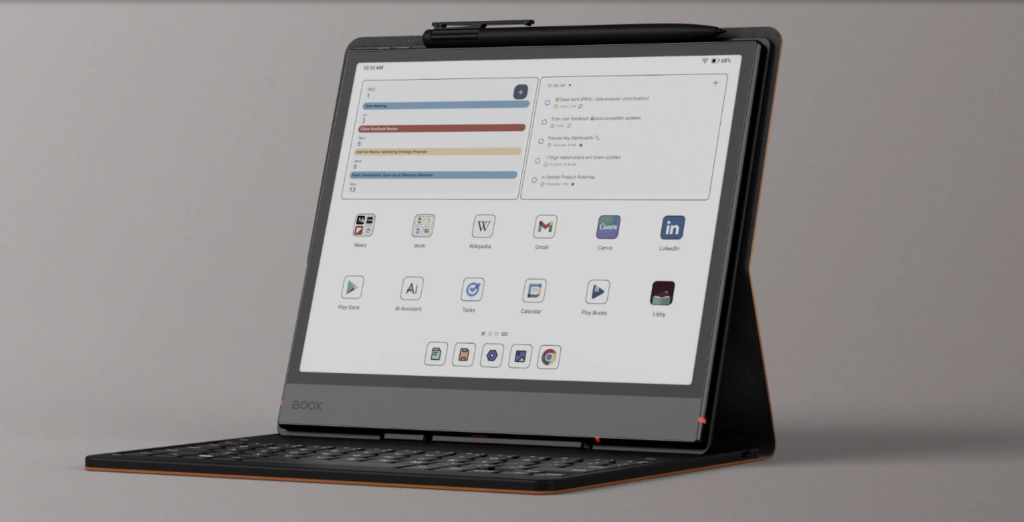
Best for: Writers who type frequently and want flexibility
Why it works:
- Supports Bluetooth keyboards reliably
- Runs Android → allows apps like Google Docs, Obsidian, Notion
- Good balance between performance and customization
Real-world experience:
- Typing long drafts is quite simple and easy, though not as fast as on a laptop
- Writers producing 1,000–3,000 words per session will be able to do so easily
- App support makes editing and exporting easier than most E Ink devices
Trade-offs:
- Slight learning curve due to Android interface
- More distractions than minimalist devices
- Battery life is good, but not class-leading
Verdict:
If you want an E Ink tablet that behaves closest to a lightweight writing computer, this is one of the strongest options.
Check Latest Price of the Boox Note Air 5C on Amazon
Best for Handwriting & Distraction-Free Writing
reMarkable 2
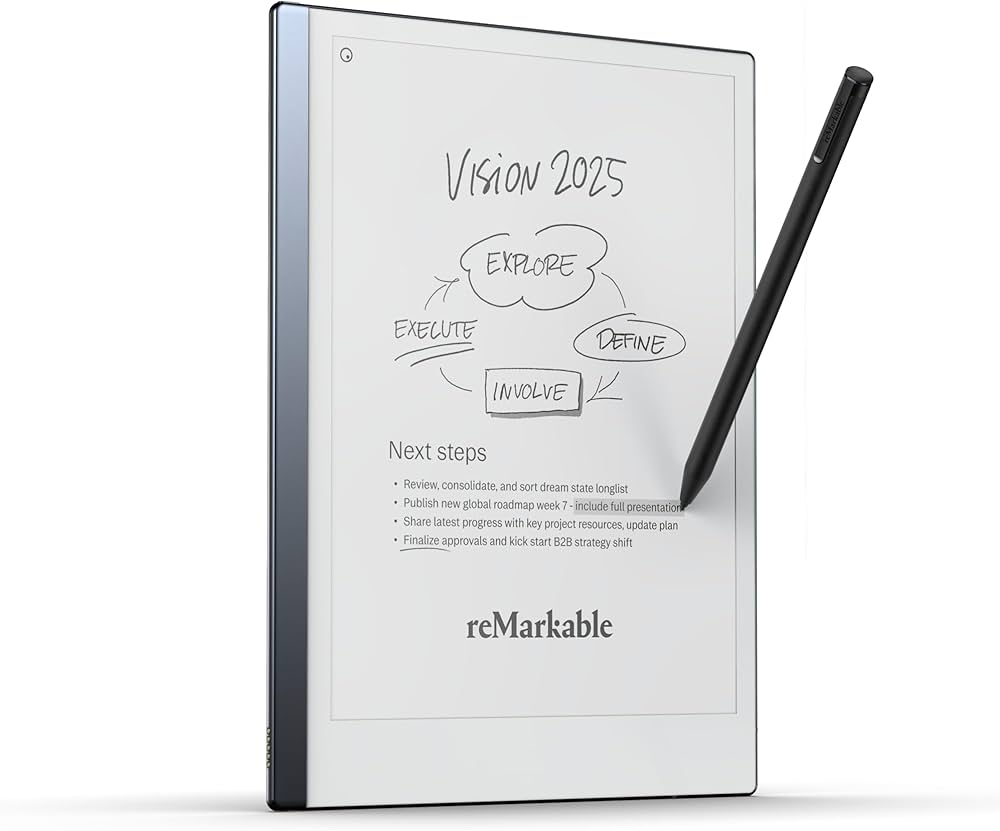
Best for: Writers who think on paper first
Why it works:
- Extremely natural writing feel
- Think of it as a digital alternative to plain paper
- Minimalist interface, which translates to zero distractions
- Excellent for journaling, outlining, idea development
Real-world experience:
- Feels closest to pen and paper
- Great for brainstorming sessions and creative flow
- Encourages deep focus
Trade-offs:
- Not well-suited for typing-heavy workflows
- Limited app ecosystem
- Editing and exporting text is not as flexible
Verdict:
Perfect if you start writing your drafts by hand—but not ideal for those who rely heavily on typing.
Check Latest Price of reMarkable 2 on Amazon
Best for Research-Heavy Writers (PDF + Annotation)
Kobo Elipsa 2E
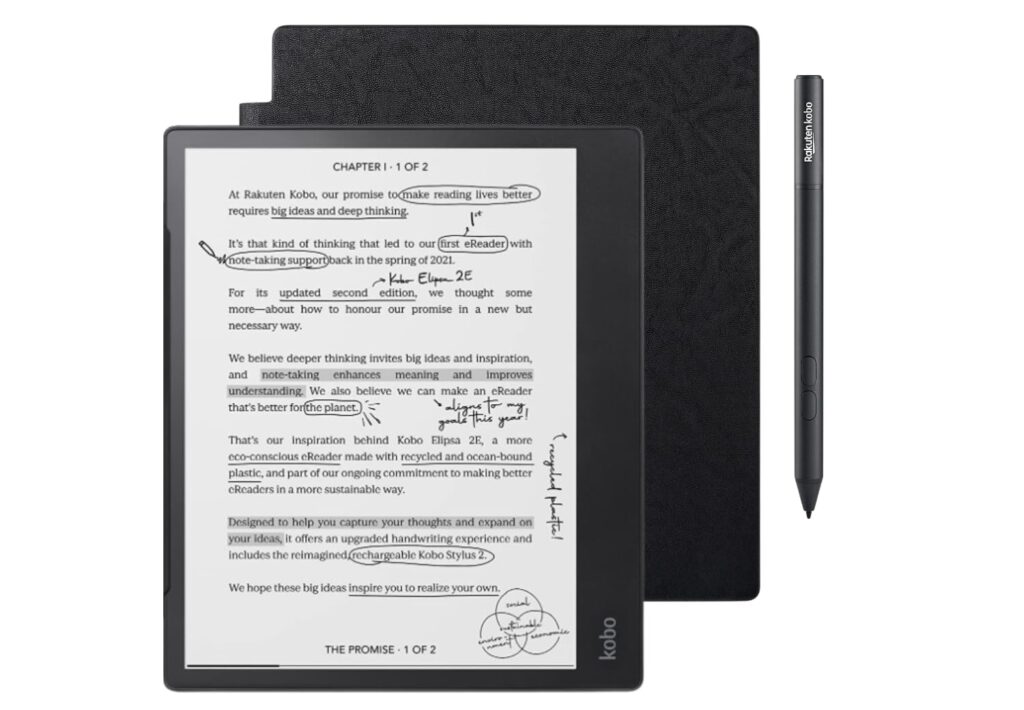
Best for: Students, academics, and researchers
Why it works:
- Strong PDF reading and annotation tools
- Comfortable large display for documents
- Simple and stable interface
Real-world experience:
- Smooth reading and note-taking on long documents
- Reliable for academic workflows
- Less distracting than Android-based devices
Trade-offs:
- Limited app support
- Typing experience is basic
- Not ideal for long-form drafting
Verdict:
A solid choice if your writing is deeply tied to reading and annotating material.
Check Latest Price of Kobo Elipsa 2E on Amazon
Best All-Rounder (Balanced Workflow)
Onyx Boox Tab Ultra C
Best for: Writers who want flexibility across everything
Why it works:
- Handles typing, handwriting, and apps reasonably well
- Strong performance compared to most E Ink tablets
- Supports a wide range of workflows
Real-world experience:
- Can handle drafting, editing, and research in one device
- More responsive than many competitors
- Suitable for hybrid writers
Trade-offs:
- More complex than minimalist devices
- Battery life is shorter than simpler tablets
- Not the best at any one thing—but good at many
Verdict:
If you don’t want to compromise too much in any direction, this is a strong middle-ground option.
Best Budget-Friendly Option
Kindle Scribe
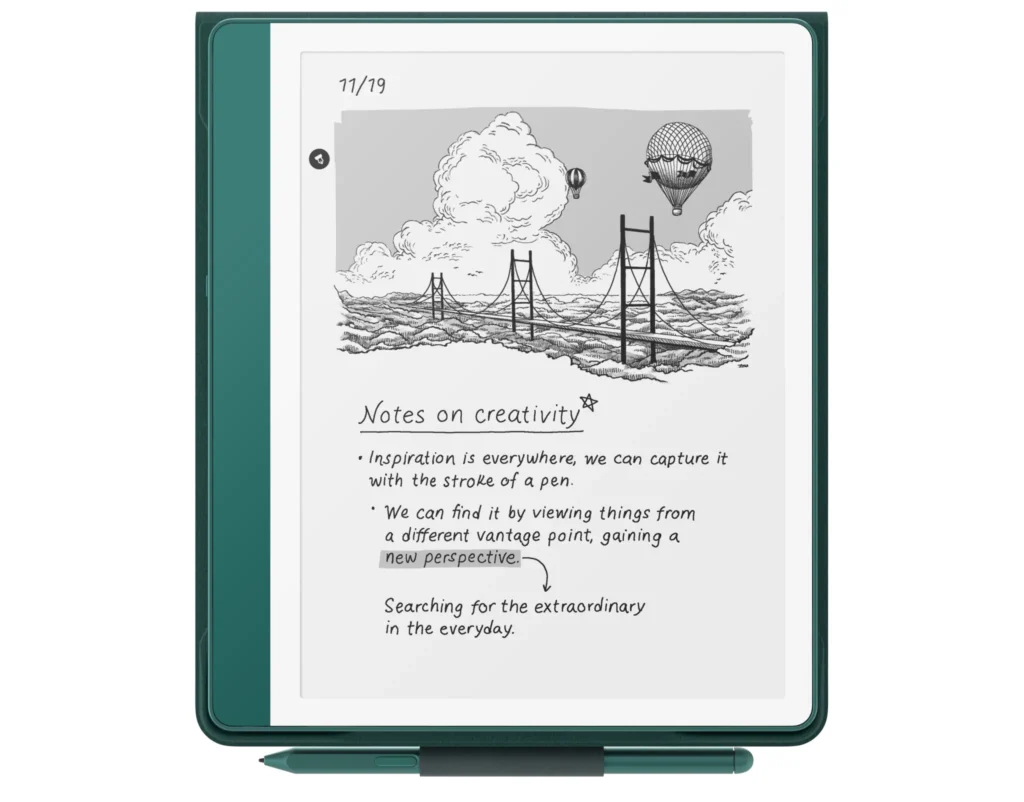
Best for: Writers who want simplicity at a lower cost
Why it works:
- Clean and simple interface
- Good for reading and light note-taking
- Reliable ecosystem
Real-world experience:
- Works well for casual writing and journaling
- Easy to use with minimal setup
- Excellent for combining reading + light writing
Trade-offs:
- Limited writing tools compared to competitors
- Weak app ecosystem
- Not built for serious long-form typing
Verdict:
A good entry point—but not ideal for heavy writing workflows.
Check Latest Price of the Kindle Scribe on Amazon
How These Devices Compare in Real Writing
Here’s the honest breakdown:
Best typing flexibility: Boox Note Air 5C
Best handwriting feel: reMarkable 2
Best for research workflows: Kobo Elipsa 2E
Best all-in-one device: Boox Tab Ultra C
Best budget pick: Kindle Scribe
How to Choose (Simple Decision Framework)
If you’re still unsure:
Choose Boox Note Air 5C → if you type a lot and want flexibility
Choose reMarkable 2 → if you write by hand and want undiluted focus
Choose Kobo Elipsa 2E → if you read + annotate heavily
Choose Tab Ultra C → if you want one device for everything
Choose Kindle Scribe → if you want a simple, affordable option
Final Thoughts
E Ink tablets are not replacements for laptops. They are tools for a different kind of writing:
- slower
- more focused
- less distracted
For the right writer, this can dramatically improve consistency and clarity. For others, it may feel limiting. The key is to choose based on how you actually write—not how you think you should write. Because when the device matches your workflow, writing becomes easier—not harder.