
Imagine settling into your favorite chair, ready to dive into a borrowed library book. On a Kindle, that journey begins with Libby and ends with Amazon. On a Kobo, the library is already waiting inside the device. Two ecosystems, two philosophies—both promising the same thing: effortless reading. But only one may truly fit your workflow.
Disclosure: This article contains affiliate links. If you buy through these links, I may earn a small commission at no extra cost to you. This helps support Einkopedia and allows us to continue publishing honest, in-depth reviews and guides. Here is how it works
Both the Kindle and the Kobo are mature e-book reader platforms backed by a large content ecosystem spanning e-books, magazines, journals, and more. Apart from this, both e-readers also support borrowing from public libraries.
If your goal is simple — borrow library books and read them comfortably on an E Ink device — the Kindle vs Kobo decision becomes less about hardware and more about how each ecosystem handles library integration.
While both work with Libby and OverDrive, they do so in fundamentally different ways. Those differences directly affect how seamless (or frustrating) the experience feels in daily life.
This guide breaks it down in a practical, real-world manner so you can choose the system that best fits your workflow.
The Quick Straight Answer
Kindle is better if:
- You are based in the US
- You are already tied to the Amazon ecosystem
- You want a predictable and stable experience
Kobo is better if:
- You want true library-first integration
- You prefer borrowing directly on the device
- You want flexibility beyond Amazon
If you already know which direction you’re leaning, you can check the latest models here:
View the latest Kindle devices
View the latest Kobo e-readers
Understanding the Ecosystem
Before comparing devices, you need to have a clear understanding of the system itself:
OverDrive:
OverDrive is a digital library service that provides content to public libraries, schools, and universities around the world. Readers with a valid library card will have free access to the titles without requiring a paid subscription. Available content includes e-books, audiobooks, magazines, and even movies. Titles are subject to availability and get returned automatically at the end of the lending period.
Libby:
Libby is OverDrive’s official app for browsing and borrowing library content. It comes with a simple and friendly interface so that even those who haven’t borrowed digital content before will be able to do so easily. It also allows offline reading and syncs across devices.
Kindle/ Kobo:
Both Kindle and Kobo support reading books borrowed from the local library, though the execution is different for each. While Kobo integrates OverDrive directly on the device, Kindle relies on Libby, handing off the borrowed titles to Amazon for transfer to the Kindle. Many models also come with adjustable front light features for comfortable reading in both bright daylight and at night time.
How Libby Works on Kindle
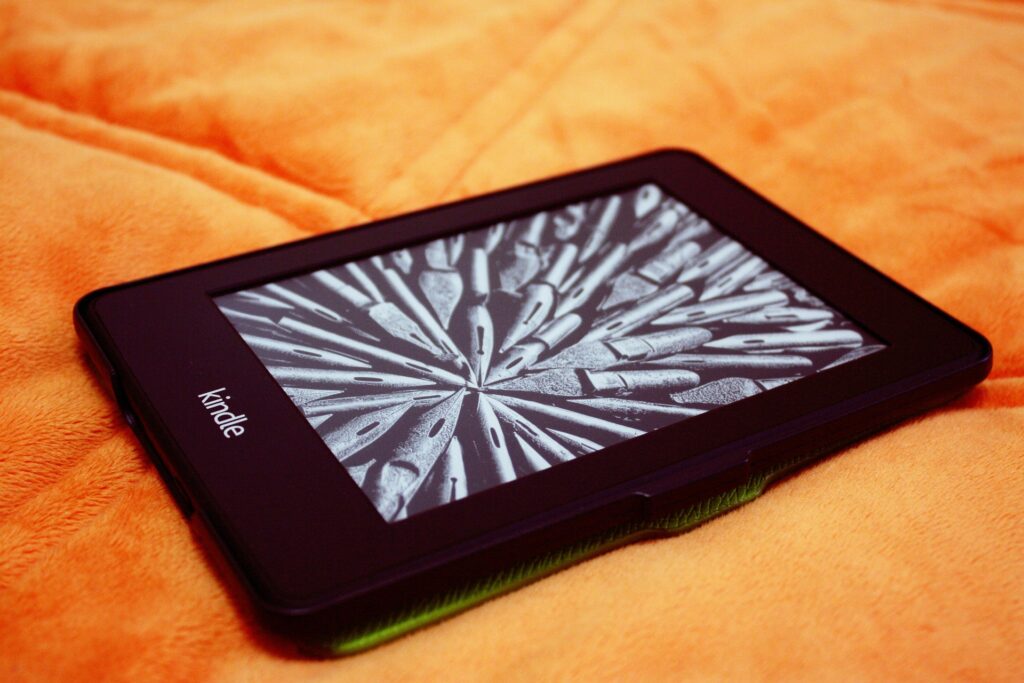
Libby’s ‘Send-to-Kindle’ feature works only with US libraries, which is due to Amazon’s licensing agreement with OverDrive. The restriction applies to only the library’s location and not your physical location. So, if you have a membership in any US library, you will have access to the library’s catalogue even while travelling abroad.
Once you have borrowed a title using the Libby app on your smartphone or tablet, tap on the ‘Read With Kindle’ option. This redirects you to Amazon, where you complete the loan. Amazon then delivers the book to your Kindle device. The process does not involve direct file transfer to the device; instead, the loan is fulfilled through Amazon’s system, which handles format compatibility and delivery.
Here are the steps involved:
- Borrow a book in Libby
- Tap “Read with Kindle”
- Redirect to Amazon
- Send to Kindle device
The system is tightly integrated, with Amazon always in the middle acting as the fulfillment layer. When you select “Read with Kindle” in Libby, you are redirected to Amazon, where the loan is completed and delivered to your device (such as the Kindle Paperwhite or similar models). The book is provided from Amazon’s own catalog and delivered in Kindle-compatible formats such as AZW or KFX. The format handling is managed entirely within Amazon’s ecosystem.
Strengths
- Highly reliable workflow
- Seamless syncing across Kindle devices and apps
- Good compatibility with US libraries
Limitations
- Works only in the United States (OverDrive)
- Requires an Amazon account
- Multi-step process (Libby → Amazon → Kindle)
How Libby / OverDrive Works on Kobo
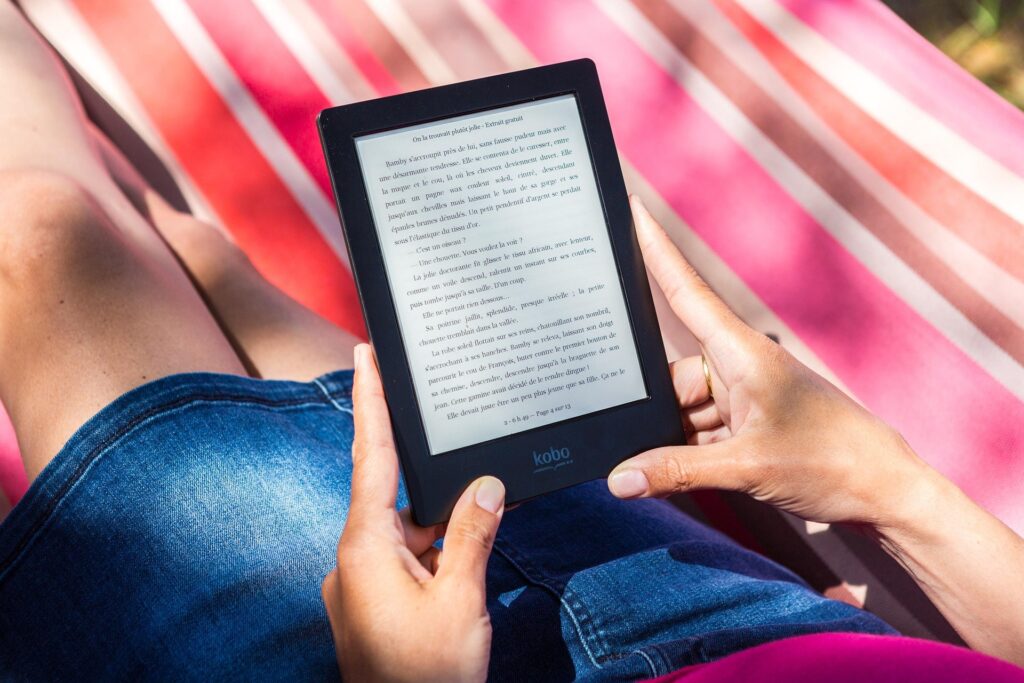
Kobo e-readers (such as the Kobo Clara or Libra series) have native OverDrive integration built right into the device. You can log in directly to your library account with the e-reader. After you have connected, the library’s OverDrive catalog is shown alongside the Kobo Store, which includes both the library and retail options. You can borrow the title right on the Kobo device itself, which gets downloaded to your device.
Once the loan period is over, the book gets removed from your device automatically. There is no late fee applicable. Unlike Kindle, there is no need to install the Libby app on another device, as Kobo includes native OverDrive integration. OverDrive typically distributes library e-books in EPUB format in most regions, which is why devices like Kobo can support direct library integration outside the U.S.
Here are the steps:
- Sign in with an OverDrive-supported library card on Kobo
- Browse the library catalog directly on the device
- Borrow and start reading instantly
Strengths
- Direct on-device borrowing experience thanks to built-in OverDrive integration (Kobo Help)
- No external apps needed
- You can borrow and read directly on the device (Libby Help)
- Works in multiple countries around the world (not limited to within the US) (Kobo Help)
- Supports open formats like ePUB
Limitations
- Not all Libby titles get shown (Libby Help)
- Though rare, some books may require manual transfer (Adobe Digital Editions)
- Syncing can occasionally be inconsistent
| Feature | Kindle | Kobo |
| Library Integration | Borrow via Libby, then send to Kindle (available only in the U.S.) | Built-in OverDrive integration directly in the device |
| Ease of Borrowing | Requires Libby app + transfer step | Borrow and download directly on the Kobo device |
| Supported Content | Kindle Store + library e-books (via Libby) | Kobo Store + library e-books (via OverDrive) |
| Reading Experience | Smooth E Ink display, strong Amazon ecosystem | Paper-like E Ink display, flexible formats (EPUB, PDF) |
| File Formats | Primarily Amazon’s AZW/MOBI formats | Supports EPUB, PDF, and more (more open system) |
| Ease of setup | Medium | Easy |
| Ecosystem dependency | Amazon | Open (library-based) |
| Sync reliability | Very high | Good, but inconsistent |
| Country support | US only | Global (many regions) |
Some Limitations You Must Know
There are a few limitations applicable to both Kindle and Kobo that you should be well aware of.
Audiobooks are not supported
Neither Kindle nor Kobo e-readers directly supports library audiobooks. Instead, (OverDrive Help) you must use the Libby app on a phone or tablet if you’d like to listen and not read the books.
Kobo Has Catalog Matching Issues
Some titles available in Libby may not appear on Kobo. This is because Kobo relies on catalog matching between OverDrive and Kobo’s store database. If a borrowed title does not have a corresponding entry in the Kobo database, it will not be shown on Kobo even though it is available on Libby. (Libby Help).
Kindle Locks You Into Amazon
All Kindle library loans are routed through Amazon and are tied to your Amazon account. This enhances reliability but limits flexibility.
Kobo Integration Issues
Many Kobo users have reported syncing issues or missing titles at times. (Reddit) This is even though Kobo’s integration is more direct, but it can occasionally fail to sync some loans or update consistently. From real user discussions: “Some ebook loans won’t sync onto your Kobo.” (Libby Help)
Real User Experience (What It Feels Like)
Kindle Experience
- Predictable
- Involves more steps
- Rarely breaks
Kobo Experience
- Feels more natural
- Faster to borrow
- Occasionally inconsistent
Final Verdict
This is not about which device is objectively better—it is about how each system handles library access:
Choose Kindle if:
- You are in the US
- You want maximum reliability
- You are already tied to the Amazon ecosystem
- It just works — every time.
View current Kindle models and pricing
Choose Kobo if:
- You want a library-first reading experience
- You prefer borrowing directly on the device
- You prefer flexibility over being tied to an ecosystem
It feels more like a “true library device.”