$9
- Works on
- Kindle Scribe, reMarkable, BOOX, Supernote
- Format
- PDF, 103 pages
What’s included
- 20 meeting pages with linked continuation pages
- 84-action Open Actions list
- Waiting on… pages for 8 people
- 32 one-to-one session records
- Decision Log
- 4 Follow-Up Review pages
- Extra notes pages
- Worked example
- 1,400+ internal links and full bookmarks
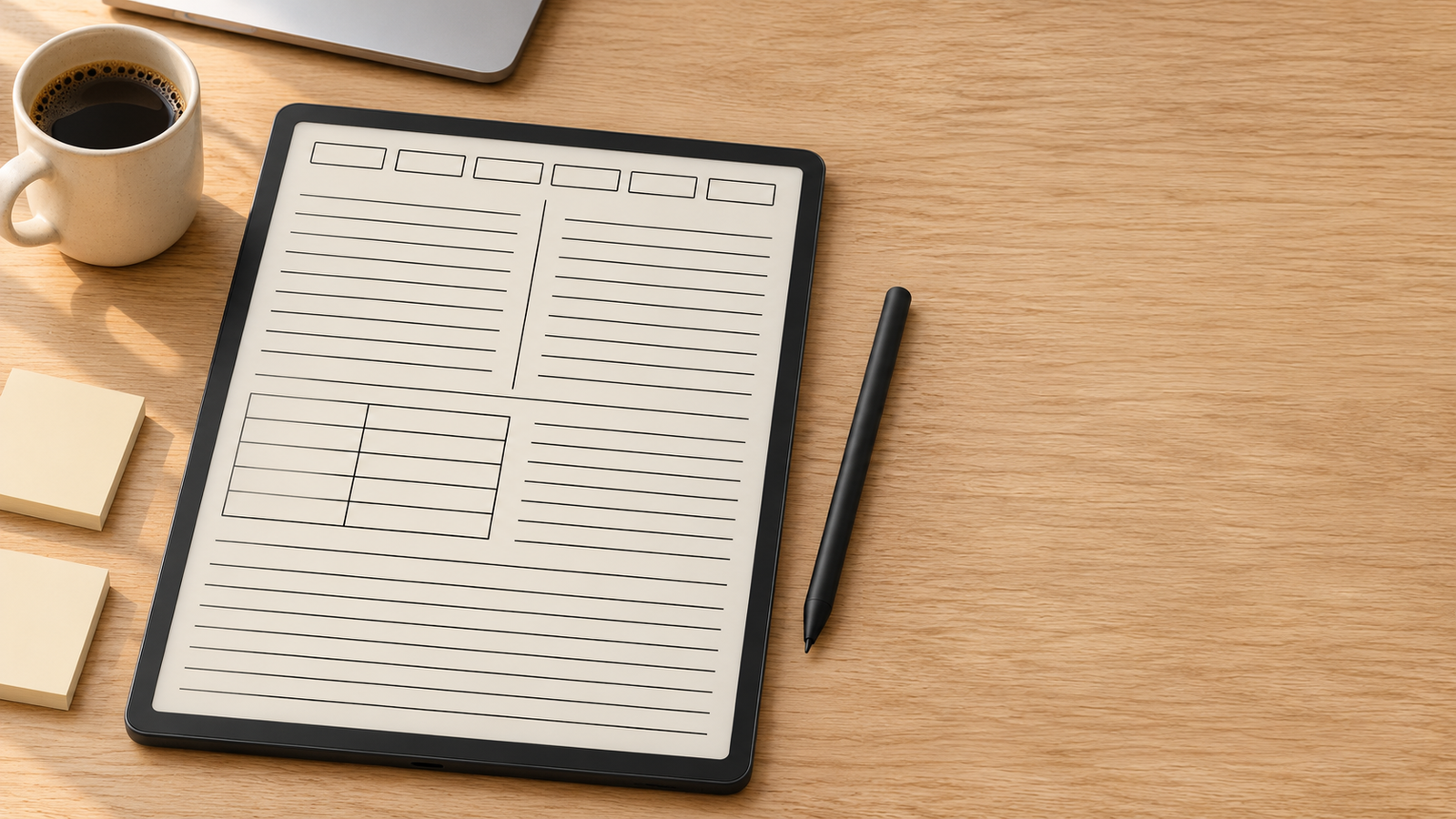
Most meetings end with good intentions and no record of who promised what. The E Ink Meeting-to-Action Planner fixes that. It is a 103-page hyperlinked PDF that carries every commitment from the meeting where it was agreed, to the person who owns it, to the day you follow up.
How it works
Each action gets a short reference such as M04-A2, meaning meeting 4, action 2. You write it during the meeting, copy it to the Open Actions list, and track its status until it is closed. Weeks later you can still trace any task back to the conversation that created it.
What’s inside
- 20 meeting pages, each with a linked page for overflow notes
- 14 Open Actions pages with room for 84 actions, each with an owner, due date, check-in date and status
- Pages for 8 people: a “Waiting on…” list and four one-to-one session records each
- A Decision Log that records what was decided, why, and when to revisit it
- 4 Follow-Up Review pages for a quick weekly check
- Extra notes pages
- A complete worked example that shows the whole system in action
Designed for E Ink tablets
- High-contrast black-and-white layout with no grey fills
- 3:4 pages that fill the screen on Kindle Scribe, reMarkable, BOOX and Supernote
- Tap-able tabs on every page and a full bookmarks menu
- More than 1,400 internal links between meetings, people, actions and notes
- Undated, so you can keep a clean copy and reuse it every month
Who it’s for
Managers, team leads, consultants and freelancers who leave meetings with promises to keep and want one place to track them on their E Ink tablet.
How to start
- Buy and download the PDF.
- Import it into your tablet as a PDF and write on it with your pen.
- Read Start Here on page 2, then look at the worked example from page 7.
- Keep an unmarked copy so you can start fresh each cycle.
Questions
Is it dated? No. It works for any month or year.
Do the links work on my tablet? The tap-to-jump links work in PDF readers that support links. You can always move around with the bookmarks or by page number as well.
Can I print it? It is designed for tablets, but it prints well on Letter or A4 if you choose “fit to page”.